Set up today, staff your event tomorrow
Zelos is a simple event staffing app where crew members pick their own shifts, coordinate through built-in chat, and confirm hours in real time.
No credit card · No onboarding call · Set up in under 5 minutes
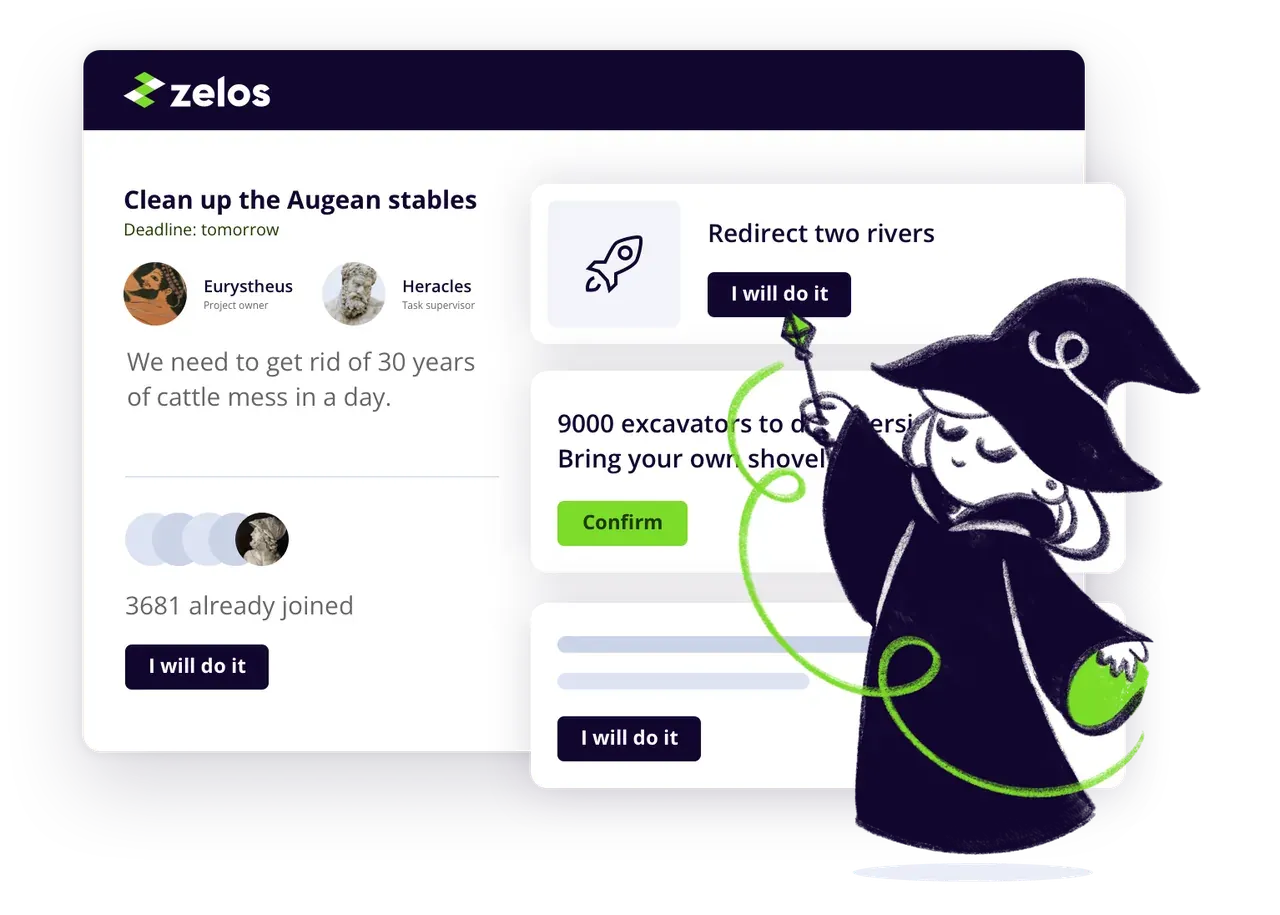
- Shift signup
- Task dispatch
- Live chats
- Timesheet exports
- Gamification
- Free with unlimited crew


You post roles. Your crew claims them. The event runs itself.
Post event roles and shifts
Create roles with descriptions, time slots, locations, and capacity. Publish to your full crew database or target by skill — "bartender," "security," "load-in."
Crew signs up
Your people browse available shifts and claim what fits. Fill a 200-person festival crew or a 6-person corporate dinner from the same interface.
Coordinate on event day
Every role has its own chat channel. Push last-minute changes, share site maps, and answer questions without clogging a group chat. Notifications land instantly.
Track hours and close out
Crew confirms their own hours in-app. Export timestamped reports for client invoicing and payroll. No more chasing paper timesheets after the event.
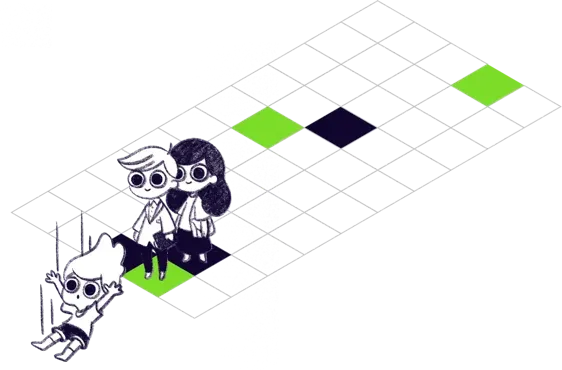
What event teams replace with Zelos
Built for how event staffing actually works
Crew choose their shifts
Post available roles and let your people claim what they can commit to. Higher show-up rates than top-down assignment.
Free for unlimited crew
Add your entire database — 50 people or 5,000. Paid plans unlock volume, not headcount. No per-person fees.
Ready in minutes, not weeks
No implementation. No onboarding call. Create an account, post shifts, share your link. Your crew can start claiming before lunch.
One app for all your events
Run a one-off gala or a 12-event festival season from the same project. Each event's communication stays in its own channels.

Who uses Zelos for event staffing
Festival and concert production crews
Conference and expo staffing agencies
Catering and hospitality teams
Corporate event coordinators
Venue management teams
Sports event operations
What event teams say
"It has been a fabulous experience, Zelos is an awesome tool from people who get it and care. The developer team are super responsive to any requests or ideas and fast on turnaround on any bug. I wish all software companies were like that."
Alex H., Community Programs Director, Retail
event-staffing-app.testimonials.1.role
event-staffing-app.testimonials.1.industry
"Great experience overall, I'm feeling lucky to have found Zelos. Onboarding the volunteers has been working well. I was a little concerned as not all are tech savvy but following the link and downloading the app proofed no problem."
Gee W., Usher, Entertainment
event-staffing-app.testimonials.2.role
event-staffing-app.testimonials.2.industry
"Excellent software and great support! It's easy to use and intuitive. And it's highly customizable as well!"
Team lead
event-staffing-app.testimonials.3.role
event-staffing-app.testimonials.3.industry
Free for event teams of any size
No credit card, no trial expiration. Pro starts at $99/month — never per crew member. Scales from a single event to a full season.
Frequently asked questions
Can I use Zelos for a single event?
How fast can I get my crew on board?
Can I track hours for client invoicing?
Is Zelos free for event staffing?
Can I target shifts to crew with specific skills?
How is Zelos different from event staffing agency software?
Do crew members need to download an app?
Can I manage multiple events from one account?

Ready to staff your next event?
Create your first project in under five minutes.
Start your free project

Trusted by event teams in 40+ countries since 2018.